 OpenTTD Online
Play OpenTTD 15.2 instantly in your browser - no download required
OpenTTD Online lets you jump right into classic Transport Tycoon gameplay. Import/export your save files, use Online Content, and build your transport empire from any device.
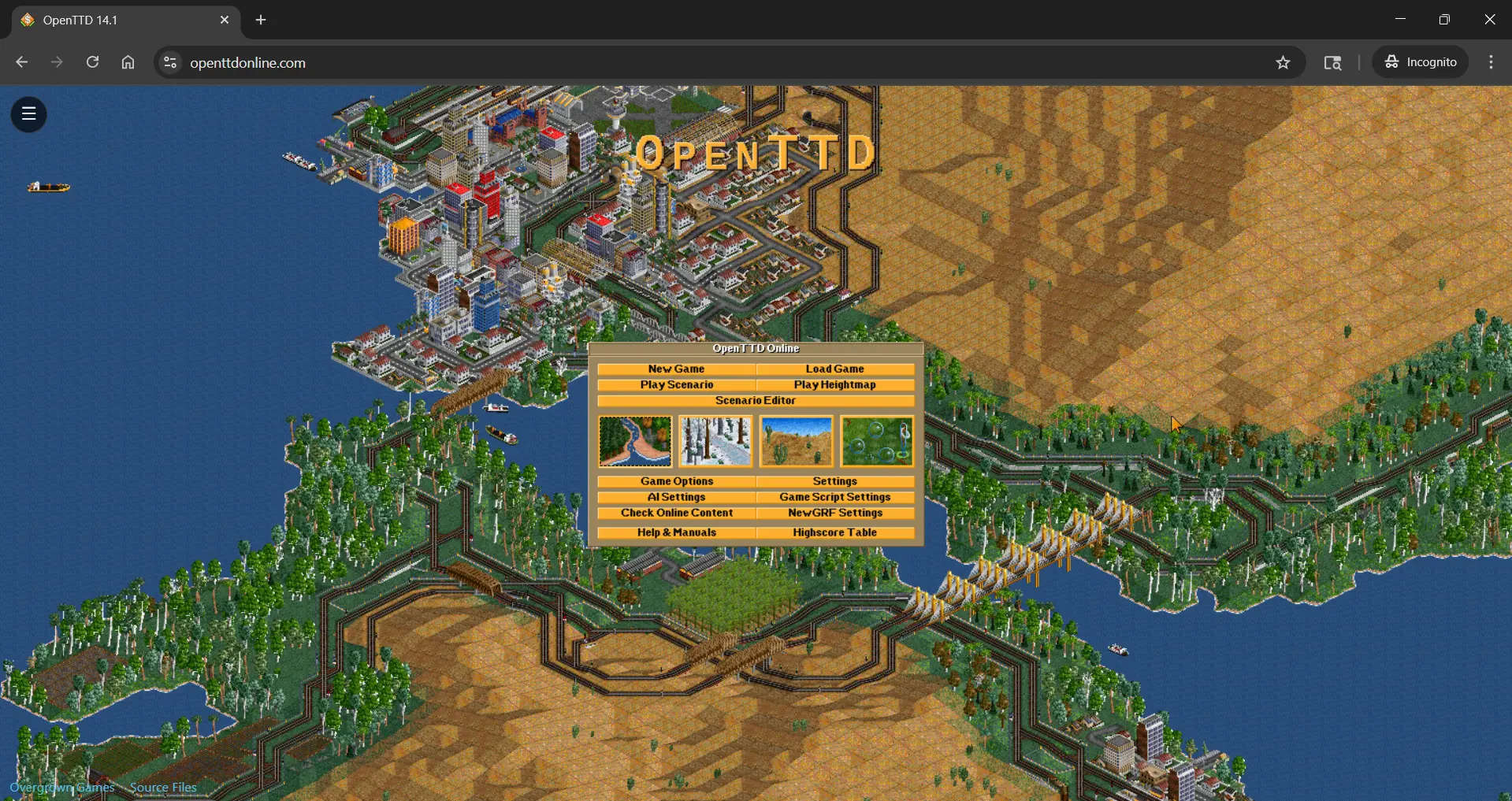
Why OpenTTD Online?
Instant Play
Start a new game or load a scenario in seconds. No installers needed.
Import & Export Saves
Bring your saves from desktop to browser and back anytime.
Online Content Support
Compatible with OpenTTD BaNaNaS for AIs, graphics, and scenarios.
Lightweight & Free
Runs smoothly on modern browsers. Built for convenience and fun.
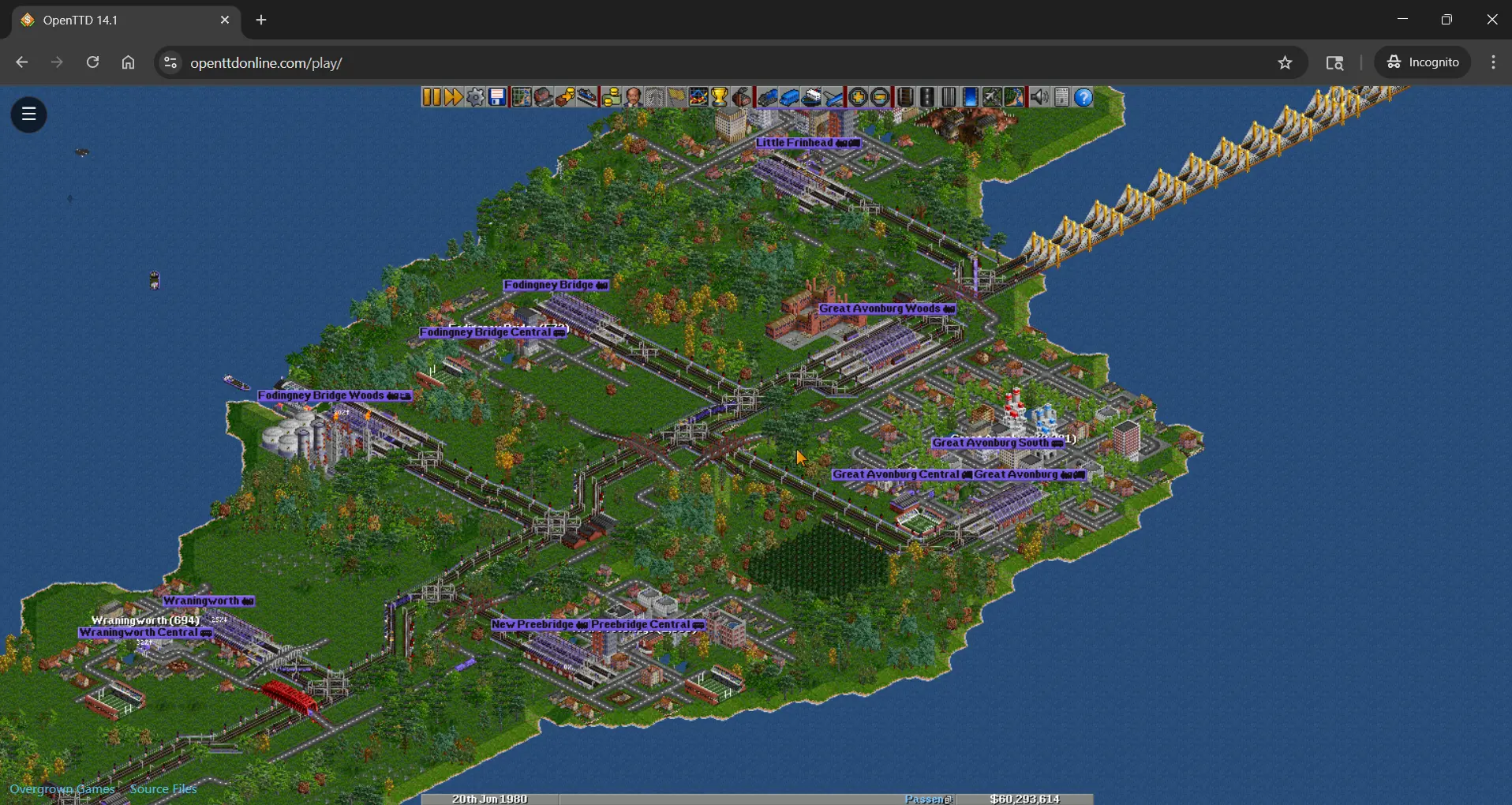
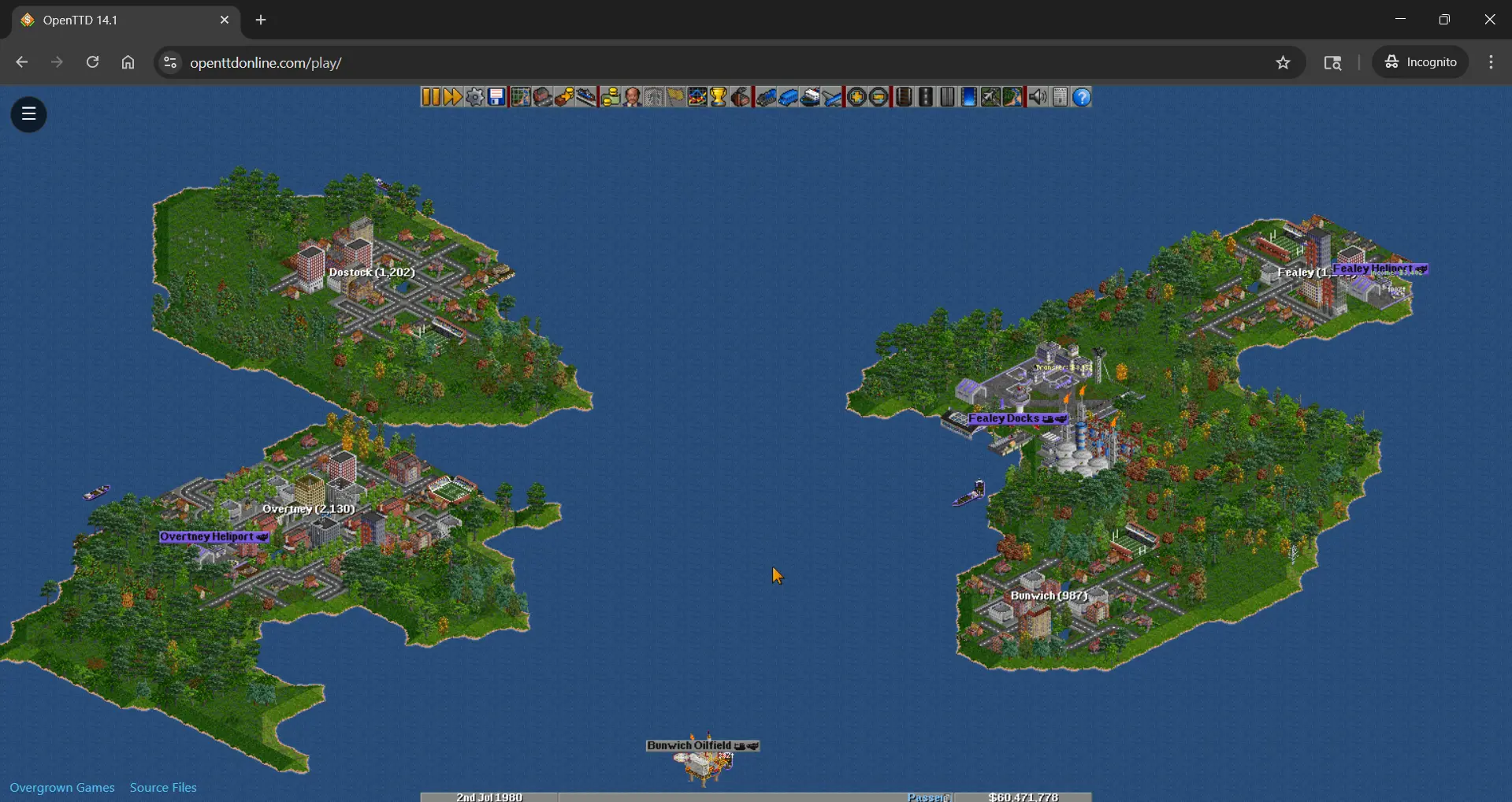
Screenshots
About This Project
What is OpenTTD Online?
A browser-playable build of OpenTTD 15.2 designed for accessibility and convenience!
Open Source Credits
OpenTTD is an open-source re-implementation of Transport Tycoon Deluxe. All trademarks are property of their respective owners.
Feedback & Support
Ideas, bug reports, and performance notes are welcome. Reach out via the links in the footer or email [email protected]
Getting Started: OpenTTD Online Tutorial
New to OpenTTD? This walkthrough helps get you from a blank map to your first profitable routes. For deeper learning, visit the OpenTTD Wiki.
1) Start a New Game & Explore
- Begin with New Game and use the pause button while scanning the map.
- Look for simple opportunities: nearby towns or industry pairs like coal → power plant.
- Zoom in/out smoothly using your scroll wheel or trackpad gestures.
2) First Route: Town Bus Line
- Place two bus stops in a town - central + suburban is ideal.
- Add a road depot and buy your first bus from it.
- Give the bus orders: Stop A → Stop B. Start it and unpause the game.
- Passenger routes give steady income and boost your reputation.
3) Build a Basic Coal Train
- Place stations touching a coal mine and a power plant.
- Lay track between them and position a depot along the line.
- Buy a locomotive with several coal wagons sized to output.
- Set orders: Full Load at Mine → Power Plant.
- Add simple signals so future trains run without collisions.
4) Finances & Growth
- Use a loan early to expand - routes repay it quickly.
- Serve mail + passengers to grow towns faster.
- Replace older vehicles to avoid breakdowns and delays.
- Add passing loops or double-track busy areas for smoother traffic.
5) Saves & Online Content
- Save progress any time; browser version supports import/export.
- Try Online Content for new AIs, vehicles, and graphics.
Tip: Keep a clean “starter” save so you always have a stable base.
6) Learn More
Once you’ve mastered basics, explore advanced signalling, timetables, and huge networks.
- Follow the complete official tutorial.
- Browse community guides for pro-level techniques.
Player Reviews
Leave a quick rating and note - new reviews show up after approval.
Write a review
Works in modern browsers. Saves kept locally.